
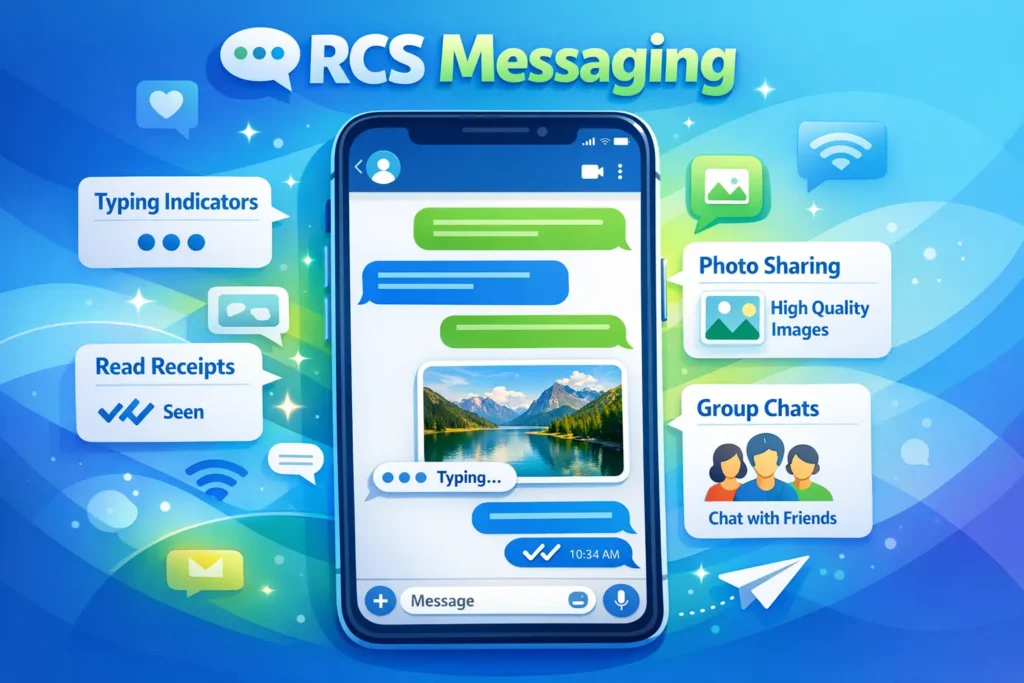
RCS in text messaging stands for Rich Communication Services.
It is an advanced messaging protocol that enhances traditional SMS by allowing features like read receipts, typing indicators, high quality image sharing, group chats, and internet based messaging.
In simple terms, RCS turns basic text messaging into a more modern, app like chat experience.
If you have recently seen the term RCS appear in your messaging app or phone settings, you might be wondering what it actually means. Many people are familiar with traditional SMS text messages, but RCS is often described as the next step forward in messaging.
The shift from basic texting to richer communication has been happening quietly in the background. Features like typing indicators, read receipts, and high quality media sharing have become common in apps, and RCS brings many of these capabilities directly into your default messaging experience.
Understanding what RCS means in text messaging can help you make better use of your phone’s features and communicate more effectively.
Understanding RCS in Simple Terms
Traditional SMS messages are limited. They only allow plain text and have strict size limits for images and videos. RCS improves this by using an internet connection instead of relying only on cellular networks.
With RCS, your messaging app behaves more like popular chat platforms. You can see when someone is typing, know when your message has been read, and send clearer photos or longer videos without compression issues.
How RCS Works
RCS operates over mobile data or WiFi instead of the older cellular texting system. When both the sender and receiver have RCS enabled, messages are sent through the internet rather than as SMS.
Basic Process
- You type a message in your messaging app
- The app checks if the recipient supports RCS
- If yes, the message is sent via internet
- If not, it falls back to SMS or MMS
This ensures that your message always gets delivered, even if advanced features are not available on the other device.
Key Features of RCS Messaging
RCS introduces several features that make texting more interactive and modern.
Enhanced Messaging Features
- Read receipts that show when your message has been seen
- Typing indicators that show when someone is replying
- High quality photo and video sharing
- Larger message size limits
- Group chats with better control
- Ability to send files, locations, and voice notes
These features make RCS feel similar to messaging apps like WhatsApp or Messenger, but without needing a separate app.
RCS vs SMS vs MMS
Understanding how RCS compares to older messaging systems can make things clearer.
| Feature | RCS | SMS | MMS |
|---|---|---|---|
| Internet required | Yes | No | No |
| Message length | Unlimited | Limited | Limited |
| Media quality | High | Not supported | Compressed |
| Read receipts | Yes | No | No |
| Typing indicators | Yes | No | No |
| Group chats | Advanced | Basic | Limited |
RCS clearly offers a more advanced and flexible messaging experience.
Real World Examples of RCS
Here are a few everyday scenarios that show how RCS works in practice.
| Situation | Without RCS | With RCS |
|---|---|---|
| Sending photos | Blurry compressed image | Clear high quality image |
| Group chat | Basic replies only | Interactive chat with reactions |
| Waiting for reply | No clue if seen | Read receipt shows message viewed |
| Conversation flow | Simple text only | Typing indicators and media sharing |
These improvements make conversations smoother and more engaging.
Why RCS is Becoming Popular
RCS is growing in popularity because it bridges the gap between traditional texting and modern messaging apps.
Many people prefer not to install multiple apps just to communicate. RCS allows them to enjoy advanced features directly within their default messaging app.
Mobile carriers and phone manufacturers have also supported RCS to improve the overall messaging experience without requiring users to switch platforms.
Limitations of RCS
While RCS offers many benefits, it does have some limitations.
Common Drawbacks
- Requires internet connection to use full features
- Works best when both users have RCS enabled
- Not universally supported across all devices and regions
- Messages may fall back to SMS if RCS is unavailable
Despite these limitations, RCS continues to improve as adoption increases.
RCS and Messaging Apps
RCS is typically built into default messaging apps on many smartphones. Once enabled, it works automatically in the background.
Unlike third party apps, RCS does not require account creation. It is tied to your phone number, making it easy to use without additional setup.
Tone and Usage in Texting
RCS itself is not a slang term, so it does not carry emotional tone. However, the features it offers can affect how messages feel.
Example Conversations
Friendly tone
“Hey, are you coming tonight”
Typing indicator appears, making the conversation feel more active
Neutral tone
“Meeting starts at 3 pm”
Read receipt confirms the message was seen
Engaging tone
Sending photos, emojis, or voice notes enhances communication naturally
These features help make conversations feel more real and interactive.
Alternative Meanings of RCS
While RCS in texting means Rich Communication Services, it can have other meanings in different contexts.
| Field | Meaning |
|---|---|
| Messaging | Rich Communication Services |
| Business | Risk Control System |
| Technology | Remote Control System |
Context usually makes the meaning clear, especially in conversations about texting or smartphones.
Professional Alternatives and Simple Explanations
If you want to explain RCS in simpler or more formal language, you can say:
- Advanced texting technology
- Modern messaging standard
- Enhanced SMS system
- Internet based messaging service
These alternatives can help explain the concept to someone unfamiliar with technical terms.
Practical Tips for Using RCS
- Enable RCS in your messaging app settings
- Use WiFi or mobile data for best performance
- Check if your contacts also have RCS enabled
- Use RCS for sharing photos, videos, and group chats
- Be aware that messages may switch to SMS if RCS is unavailable
These tips can help you make the most of RCS features.
FAQs
What does RCS mean in text messaging
RCS stands for Rich Communication Services. It is an upgraded form of texting that allows features like read receipts, typing indicators, and high quality media sharing.
Is RCS better than SMS
Yes, RCS offers more features and better quality messaging compared to SMS. However, SMS is still useful when internet is not available.
Do both people need RCS for it to work
Yes, both the sender and receiver must have RCS enabled to use its advanced features. Otherwise, the message will be sent as SMS or MMS.
Is RCS free to use
RCS messages use internet data, so they are generally free on WiFi. Mobile data charges may apply depending on your plan.
Can RCS send photos and videos
Yes, RCS allows you to send high quality photos and videos without heavy compression.
Why do my messages switch between RCS and SMS
This happens when the recipient does not support RCS or when there is no internet connection.
Is RCS secure
RCS offers improved security compared to SMS, but full encryption depends on the messaging app being used.
How do I enable RCS on my phone
You can enable RCS in your messaging app settings, often under chat features or advanced messaging options.
Conclusion
RCS represents a major step forward in text messaging. By combining the simplicity of SMS with the advanced features of modern chat apps, it creates a more engaging and flexible communication experience.
With features like read receipts, typing indicators, and high quality media sharing, RCS transforms everyday texting into something more interactive and efficient.
While it is not yet perfect and still depends on compatibility and internet access, RCS is steadily becoming the future of messaging. Understanding how it works allows you to take full advantage of your phone’s capabilities and communicate more effectively in your daily life.
Read More Related Articles:
- SG in Text: The Meaning Changes More Than You Think In 2026
- FLO Meaning in Crochet: Techniques & Creative Uses In 2026
- What Does SOS Mean: History and Modern Usage Explained In 2026

Luna Hartley is a content creator at TextSprout.com, where she specializes in explaining word meanings, modern phrases, and everyday language used in texts and online conversations. Her writing focuses on clarity and context, helping readers understand how words are actually used in real communication.